Bitrix24, amoCRM or a custom CRM: choosing in Tajikistan
How to choose between Bitrix24, amoCRM and a custom CRM: criteria, who each option suits, messenger and SMS integrations, data migration and mistakes.
Published: Updated: 7 min read
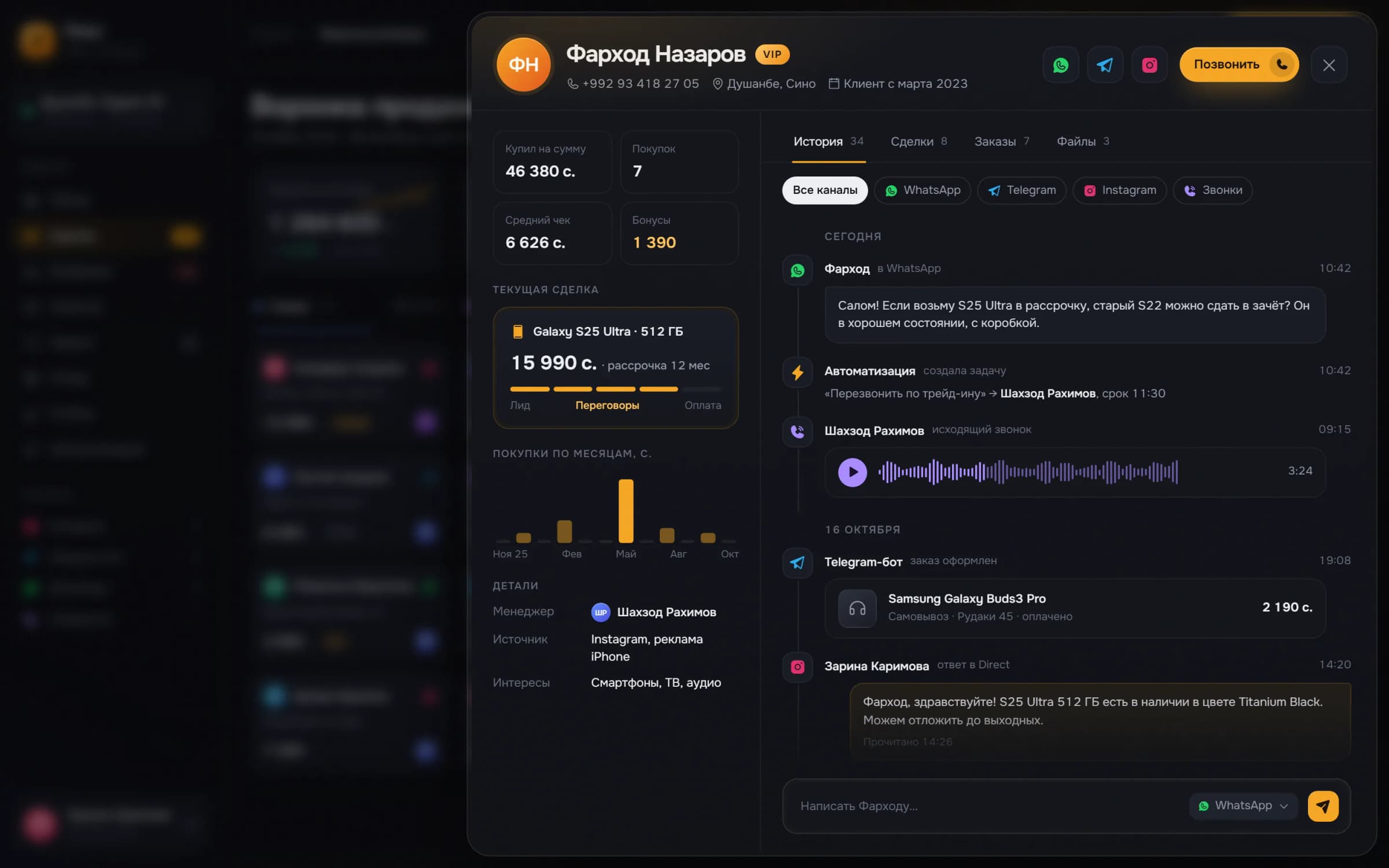
In Tajikistan the question "which CRM should we use" usually comes down to three options: Bitrix24, amoCRM or a system built for you. There is no universal answer. The right choice depends on how your work is organised, who will use the system and what it has to exchange data with. Below are the criteria worth comparing and the situations where each option fits best. There are no prices here on purpose: service tariffs change, so check them on the provider's website on the day you decide.
Process first, product second
Any comparison is pointless until you have described what the system must do. One page is enough:
- where enquiries come from: the website, calls, Telegram, WhatsApp, Instagram, direct messages;
- which stages a deal goes through and who owns each one;
- what the manager needs to see: an enquiry summary, reasons for loss, staff workload;
- which systems it must exchange data with: accounting, payments, SMS, telephony, the website.
With that description the comparison becomes a checklist. Without it people choose by advertising or by a friend's advice.
The three options in brief
Bitrix24. A broad work portal. Besides clients and deals it has tasks, projects, chat, documents and a calendar. It fits when you want sales and the team's internal work in one place. In return the interface is richer and more complex, and the initial setup takes longer.
amoCRM. A system focused on sales: a pipeline, a deal card, messenger work, robots and tasks around the deal. It fits when the main pain is lost enquiries and slow replies and you run internal processes separately. The interface is simpler, but anything beyond sales is usually solved with extra apps.
A custom CRM. A system built around your process. It fits when the process is unusual (multi-stage production, complex calculations, roles with different rights), when ready-made products are awkward or when you need a deep link with your internal system. In return the launch takes longer and maintenance depends on the contractor.
The terms, features and limits of ready-made services change over time. Before deciding, check the current description on the provider's website and put your questions to its support.
Comparison criteria
| Criterion | What to check |
|---|---|
| Fit with your process | Can you reproduce your stages, fields and roles without workarounds |
| Interface language | Is Russian available, and how convenient is it for a team working in Tajik |
| Messengers | Telegram, WhatsApp, Instagram: do they connect directly, and what limits do the channels have |
| Local services | The SMS gateways, payments and telephony you actually use |
| Data | Where it is stored, how to export everything when leaving, who has access |
| Costs | What the total consists of: per-user subscription, extra apps, setup, maintenance |
| Scale | What happens when the staff doubles |
| Dependence | On the service provider or the contractor: who can change the rules, and on what terms |
Mark each criterion "fits", "fits with changes" or "does not fit". The final table usually shows by itself which option carries compromises and which does not.
Who each option suits
A small team with standard sales. Enquiries, stages, tasks, reminders. A ready-made system set up around your process works well here. Between Bitrix24 and amoCRM, choose by whether you want internal tasks and documents in the same system.
A company where sales are only part of the work. There are projects, delivery, approvals and documents. Bitrix24 or a custom system is closer: clients, tasks and documents should be linked rather than living in separate programs.
A business with a non-standard process. A calculation by a complex formula, batch accounting, statuses that ready-made products do not have. A custom CRM or a ready-made system with heavy customisation is more often justified here. Decide after the process has been analysed, not in advance.
First-time adopters. Do not take the largest plan "for growth". Start with the minimum described in Small business CRM: when to adopt and where to start and extend the system as the habit forms.
Integrations: what matters in Tajikistan
A CRM becomes more useful when enquiries reach it on their own.
- Messengers. Clients most often write in Telegram and WhatsApp. Connection options and channel rules differ by provider, so ask in advance. The scheme is described in Leads from messengers in one place.
- SMS. Reminders and confirmations need a gateway that delivers messages to local operators. The Bitrix24 marketplace, for example, has the Payom.tj app. For other systems, check separately whether it can be connected, or estimate it as a small integration.
- Website. Forms and calculators should create an enquiry in the system without manual copying.
- Accounting and payments. Exchange with an accounting program and payment services is estimated separately, after reviewing your systems.
- Telephony. Call recording and the client card on an incoming call: check whether your operator supports such a link.
If a ready-made product lacks the integration you need, it can be built separately through the system's open interface or an intermediate service. That is a separate job with a separate estimate, and it is better to account for it before choosing.
Moving data
In all three cases it goes the same way: decide what to move, clean duplicates, bring phone numbers to one format, load a trial batch, reconcile and keep a copy of the source files. For the system you are leaving, check in advance whether clients, deals and conversation history can be exported in a usable format. If the export is limited, a later migration costs more. A practical scheme is in From Excel to CRM: moving your customers without losses.
Think separately about clients' personal data: who has access, where it is stored and what happens when access has to be closed for a departed employee. The requirements are set out in the personal data protection law, linked in the sources.
Common selection mistakes
- Choosing by advertised features. Of a hundred capabilities ten get used. What matters is that those ten work for you without workarounds.
- Buying the fullest plan. Extra features complicate work and cost money. It is easier to extend a system than to simplify it.
- Deciding without the team. If managers did not take part in the choice, they will not use the system.
- Ignoring the exit. Before you enter, find out how to leave: data export, handover of access.
- Custom development "because our business is special". Usually only part of the process is special, and the rest is solved by a ready-made system.
- A ready-made system "because it is simpler". If the process has to be worked around with crutches, the result is more expensive and less convenient.
How to decide in a week
- Day 1: describe the process on one page and list the required integrations.
- Day 2: pick two or three options that do not contradict the description.
- Days 3 and 4: set up a test pipeline in each and run ten real enquiries through it.
- Day 5: collect managers' feedback and fill in the criteria table.
- Days 6 and 7: decide and name the person responsible for the rollout.
If you are unsure whether you need a ready-made system or your own, we can go through the process at the first conversation and show which option fits and what the launch will take. We are not tied to one product: the comparison is made for your task.
<!-- related-links -->