Skip to content

Website support and team training in Dushanbe

We help staff in Dushanbe and across Tajikistan use new tools with confidence, and we watch that sites and systems keep running after launch.
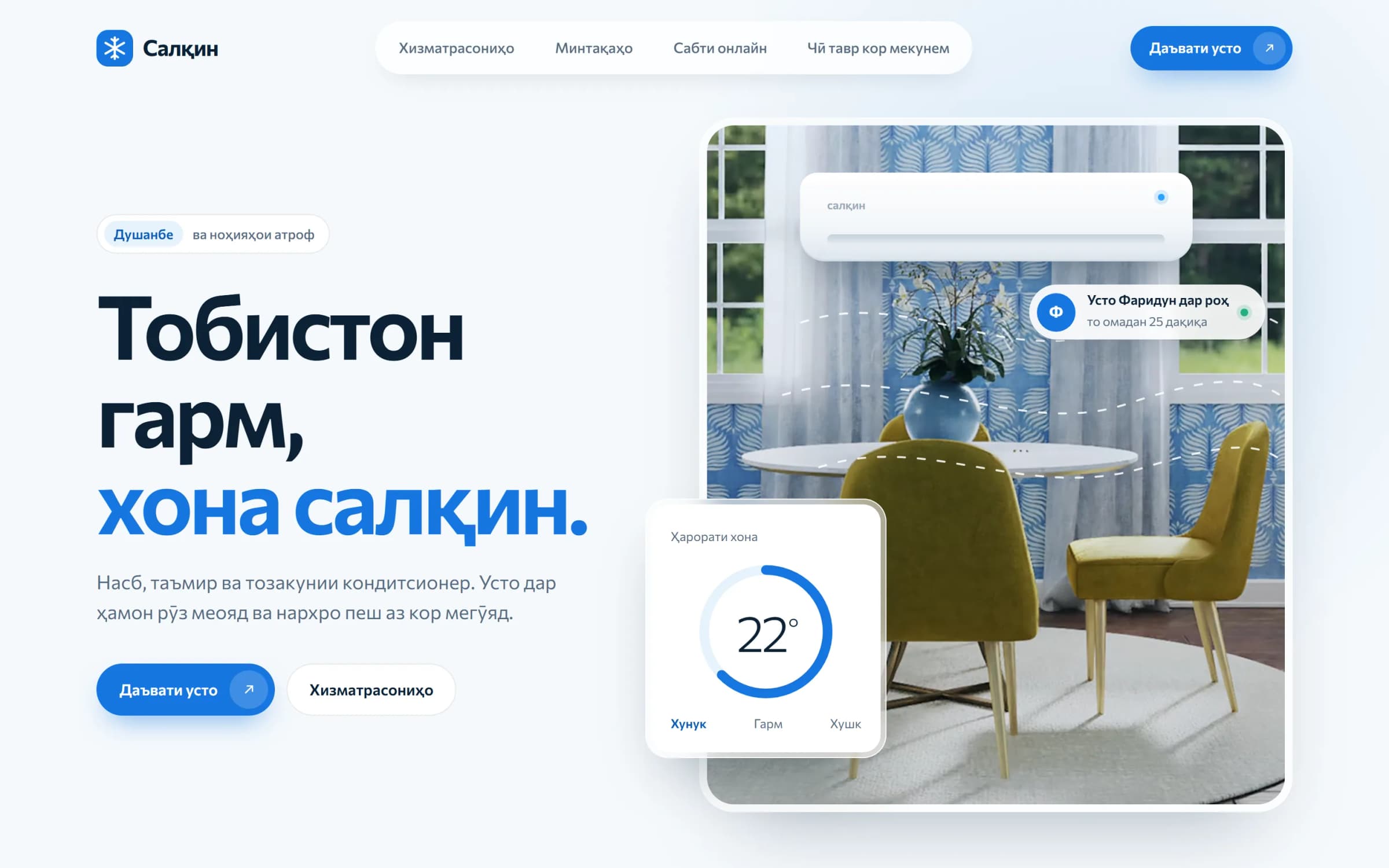
Salqin, home services: desktop screen, studio concept
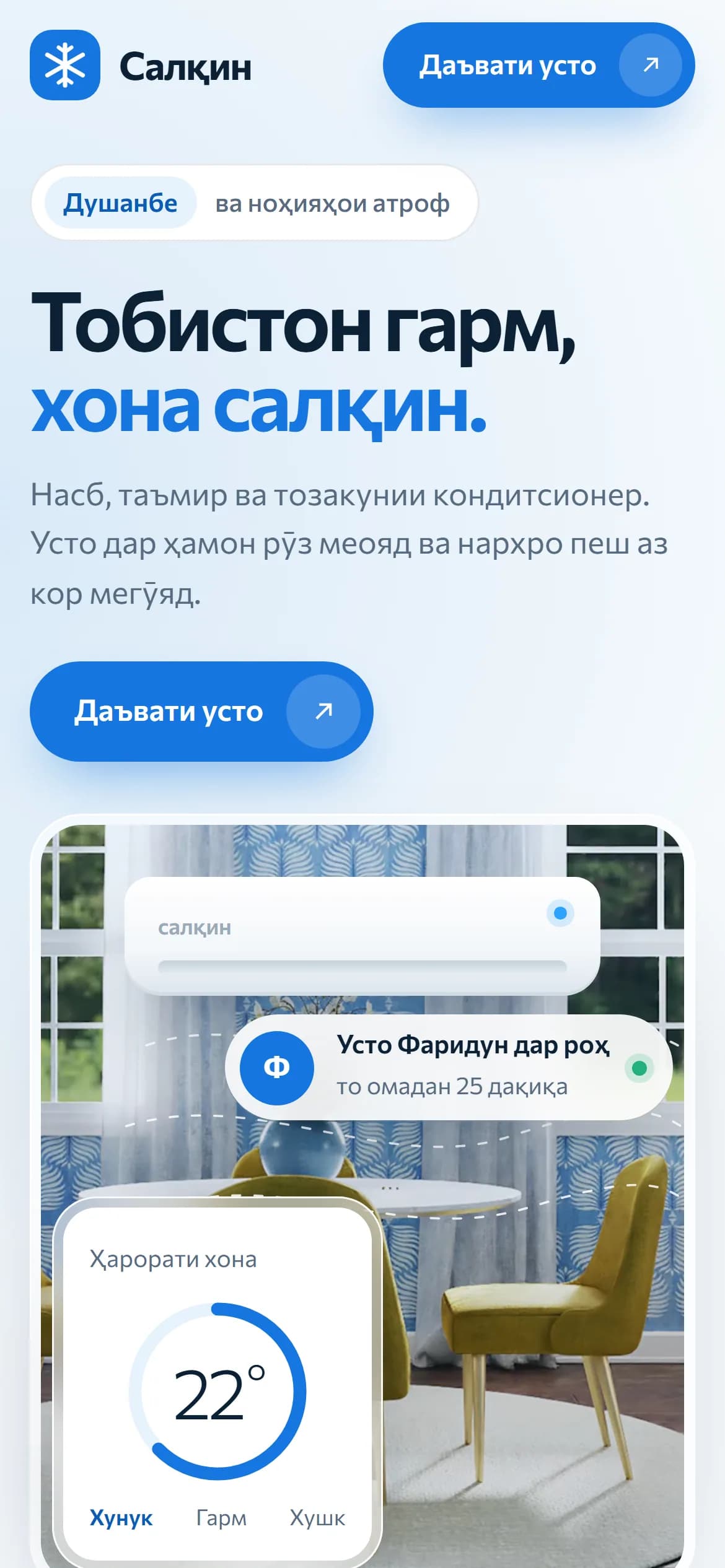
Salqin, home services: mobile screen, studio concept

When people come to us

  • The system is in, but only a few people use it

    Staff go back to familiar spreadsheets because they do not fully understand the new tool.

  • Documents are redone from scratch each time

    Contracts, acts and proposals are assembled from old files, and someone else's data keeps slipping in.

  • You need a presentation or a PDF

    For a meeting with a partner or customer you need a tidy document, and you lack the time and skills for layout.

  • The site is built, so who looks after it?

    Versions need updating, backups need making, outages need noticing and small edits need doing.

  • You need a report from data, not from memory

    Management should receive a clear report regularly, and nobody has time to assemble it.

What is included

  • Training and instructions

    • Team training on new tools: CRM, website, bots, spreadsheets
    • Instructions with concrete steps and screenshots
    • Quick guides for new employees
  • Support

    • Updating the site and systems, edits on request
    • Backups, with a check that they can actually be restored
    • Availability monitoring and outage alerts
    • Handling staff questions and requests
  • Documents and materials

    • Presentations and PDF materials for customers and partners
    • Document templates that can be filled in without mistakes
    • Reports assembled from your data

What it can look like

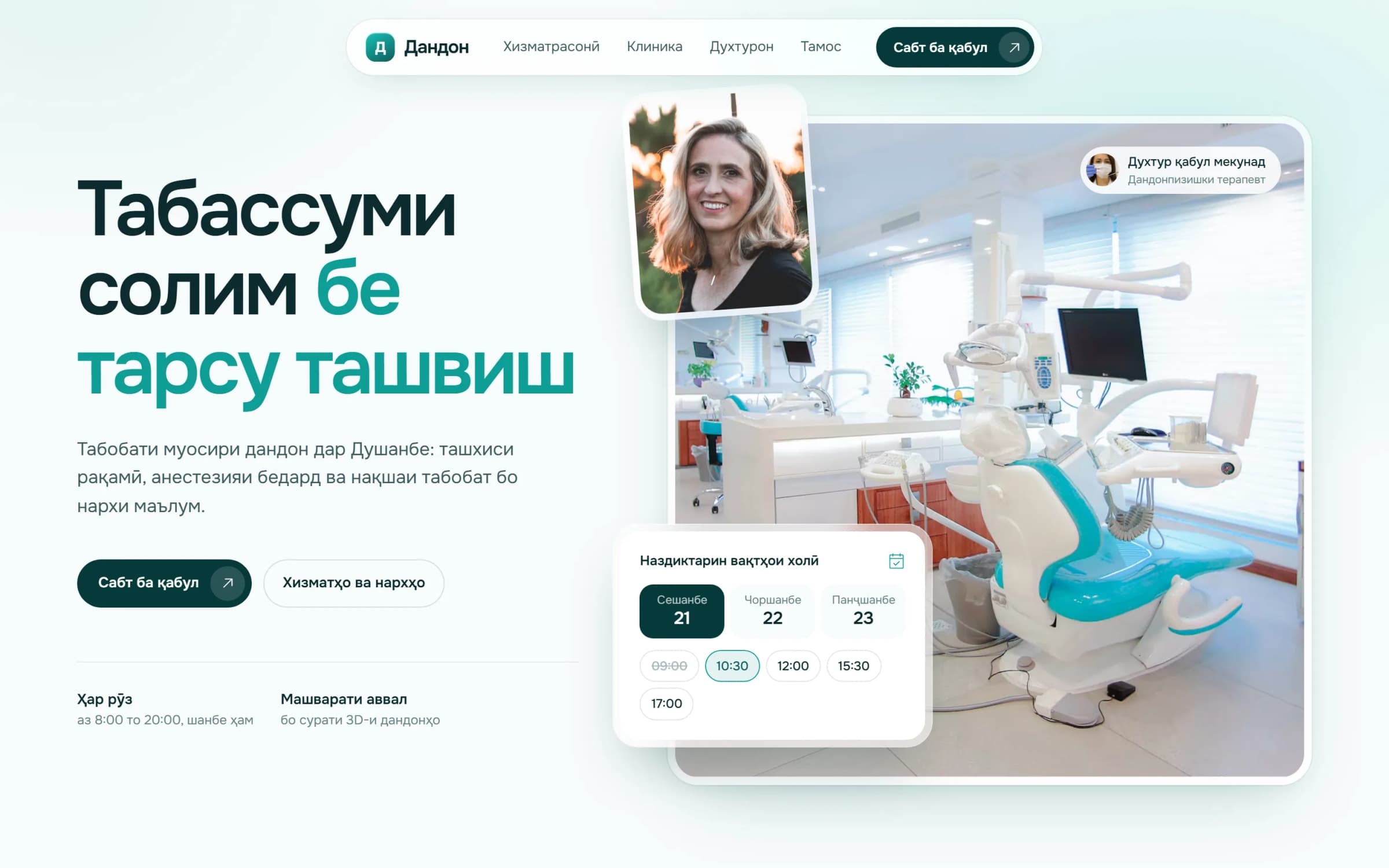
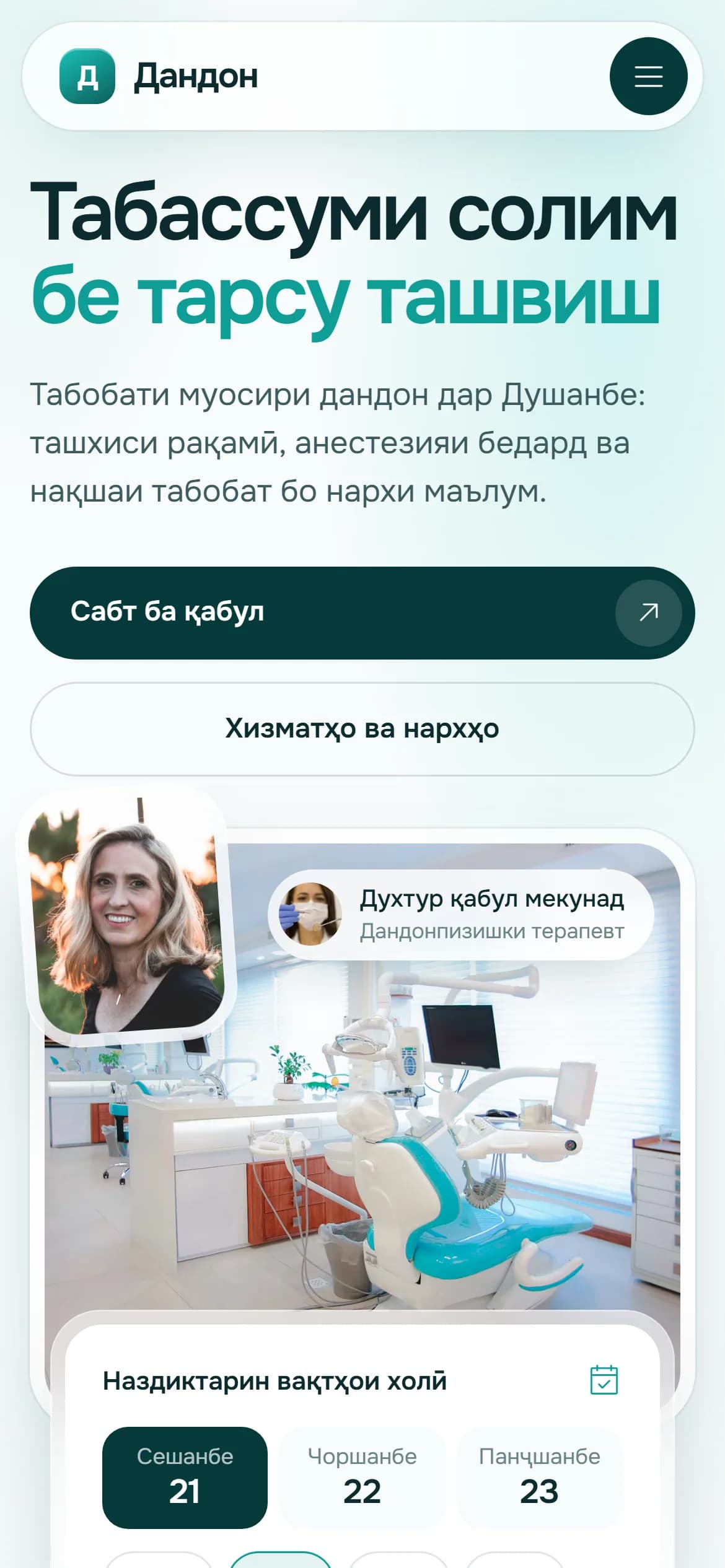
Studio concept projects on this topic: fictional companies, real design and interface work.

How the work goes

Timing

We name the timing after reviewing the task and fix it stage by stage in the contract.

When support starts depends on how quickly we get access and details of your systems. We schedule training for a time your staff can set aside for it.

  1. See how you work now

    We find out which tools the team uses, where questions arise and what is left unattended.

  2. Prepare the materials

    We write instructions and templates using examples from your own work, not placeholder data.

  3. Run the training

    We explain on live tasks, answer questions and note what turned out unclear.

  4. Agree on support

    We define what we monitor and how you tell us about problems. Response times and the contact procedure go into the contract.

  5. Support and improve

    We watch the systems, make edits and talk with you from time to time about what to change.

Cost: what is included and what is not

We give an exact estimate after a conversation, free of charge.

What you get after the first conversation

  • A list of what needs support and what that requires
  • A proposal for training and materials
  • A description of how requests are raised and handled
  • The next step

Included in the price

  • Getting to know the site or system and checking access
  • Team training on your own working tasks
  • Instructions with screenshots and quick guides
  • Backups, with a check that they can be restored
  • Edits and updates within the scope written in the contract

Not included: separate or on your side

  • Hosting, domain and paid service licences
  • Large improvements and new features: estimated before work starts
  • Work on systems we have no access to
  • Round-the-clock duty, if you need it: estimated separately

What the price depends on

  • How many people need training and how varied their experience is
  • How many documents and templates need preparing
  • How many systems and sites need support
  • How critical the system is for your business
  • Whether constant monitoring is needed or scheduled checks are enough
  • What response commitments you need

Contract, ownership and after launch

  • Contract and ownership

    Everything created under the contract is registered to you.

    • Instructions, templates and quick guides belong to you
    • Accounts stay registered to you, and we get access only by your invitation
    • Backups sit where we agreed, and you have access to them
    • We show the list of completed work on your request

    You accept the work stage by stage: the next stage starts once you have signed off the previous one.

  • After launch

    • The contact procedure and response times are fixed in the support contract
    • Small edits are made on request; larger improvements are estimated before work starts
    • From time to time we discuss with you what is worth changing
    • When the contract ends, we hand over instructions and access
  • What we do not promise

    • Round-the-clock service or duty without a separate agreement
    • A specific response time before the support contract is signed
    • That a site or system will never go down
    • Support for systems we have not been given access to

Questions and answers

How much does site or system support cost?

It depends on the number of systems, the volume of work and how requests are raised. We give the exact figure after getting to know your site and systems, and the estimate itself is free.

Do you support sites that you did not build?

Yes, after we get to know how the site works and check access. First we look at what exactly needs supporting.

How does training work?

On your real tasks, in a format that suits the team. We leave an instruction you can return to.

Do you make backups?

Yes. We set up copies and check that the system can be restored from them. Where they are stored, we agree with you.

What if the site stops working?

You tell us through the channel agreed in advance. The support contract sets response times and the contact procedure, and we name no specific times before it is signed.

Do you work around the clock?

We do not promise round-the-clock service. If your business needs it, we estimate it separately and write the terms into the contract.

Can we order only a document or a presentation?

Yes, that is a separate task. Tell us what the material is for and who will read it.

Can you train staff to edit the site themselves?

Yes, if the system allows it. We show what can be edited independently and what is better left to us.

Tell us about your task

Describe the situation in your own words. We will tell you what can be done and where it is best to start.
How can we reach you