Dental clinic website concept
Dandon
A clinic website: treatment, implants, doctors and appointment booking.
- Industry
- Dental clinic
- Interface language
- Tajik
- Inside
- Website, Mobile, CRM
- Status
- Concept
Studio concept: the company, people and figures on screen are fictional.
Business task
A patient needs to see quickly what the clinic treats, what it costs and when there is a free slot, then book without calling.
What we designed
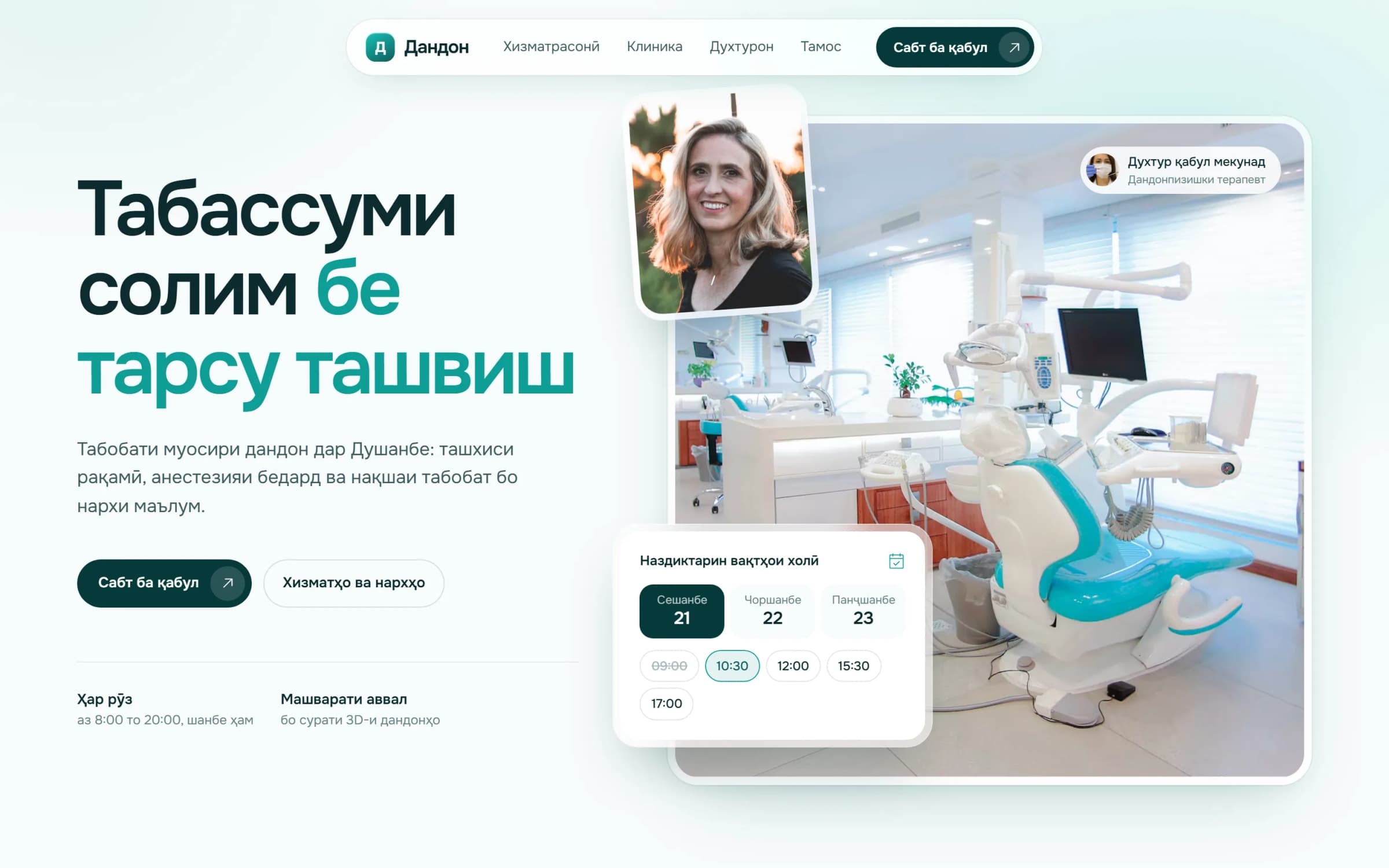
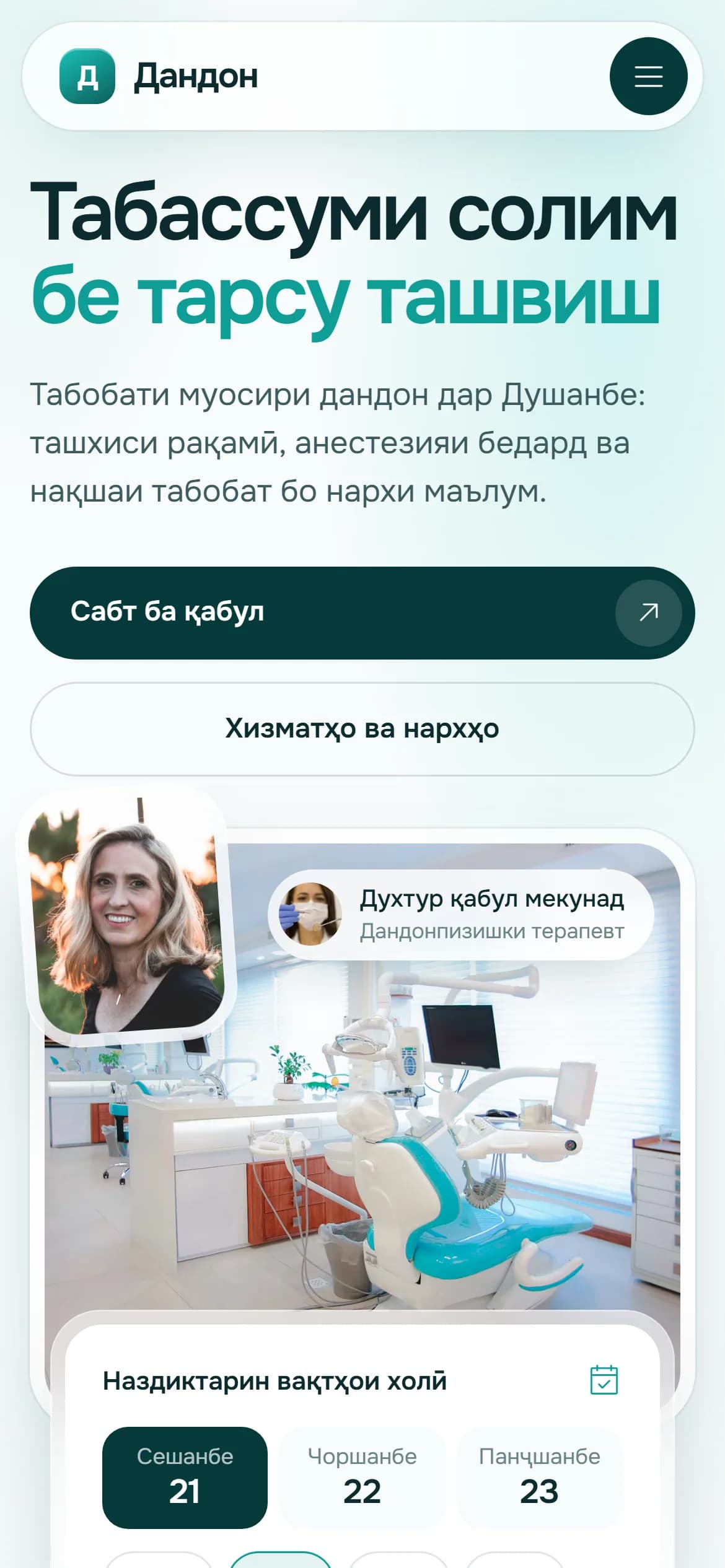
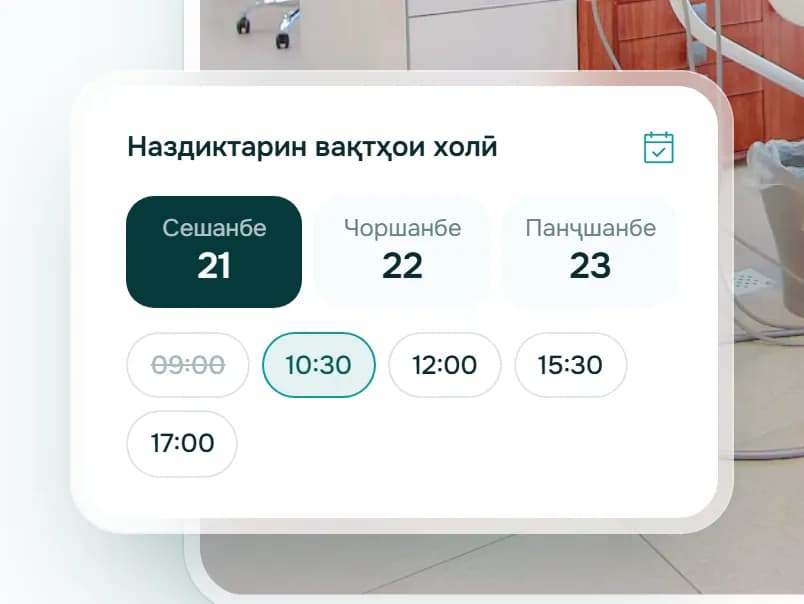
- A first screen with the doctor's nearest free slots by day.
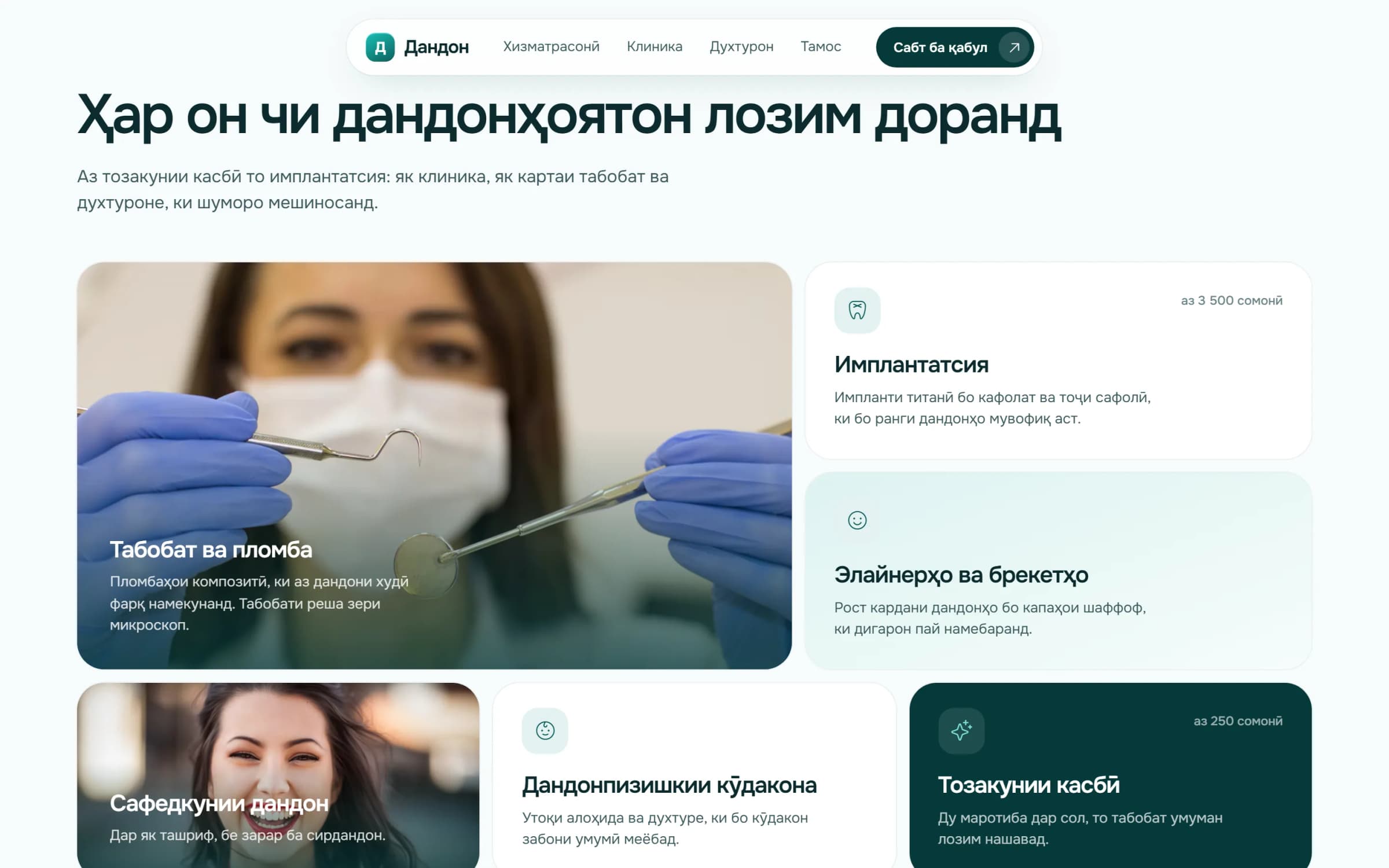
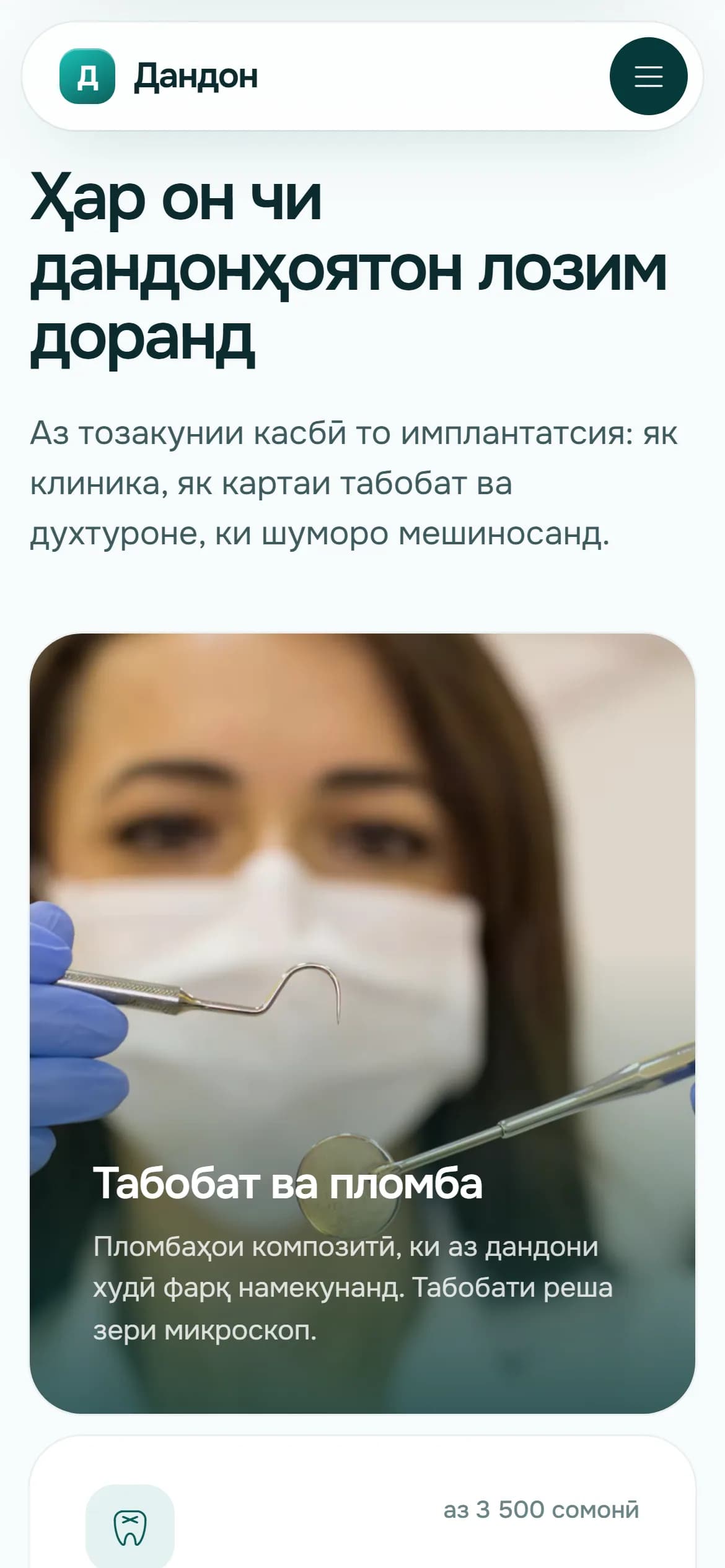
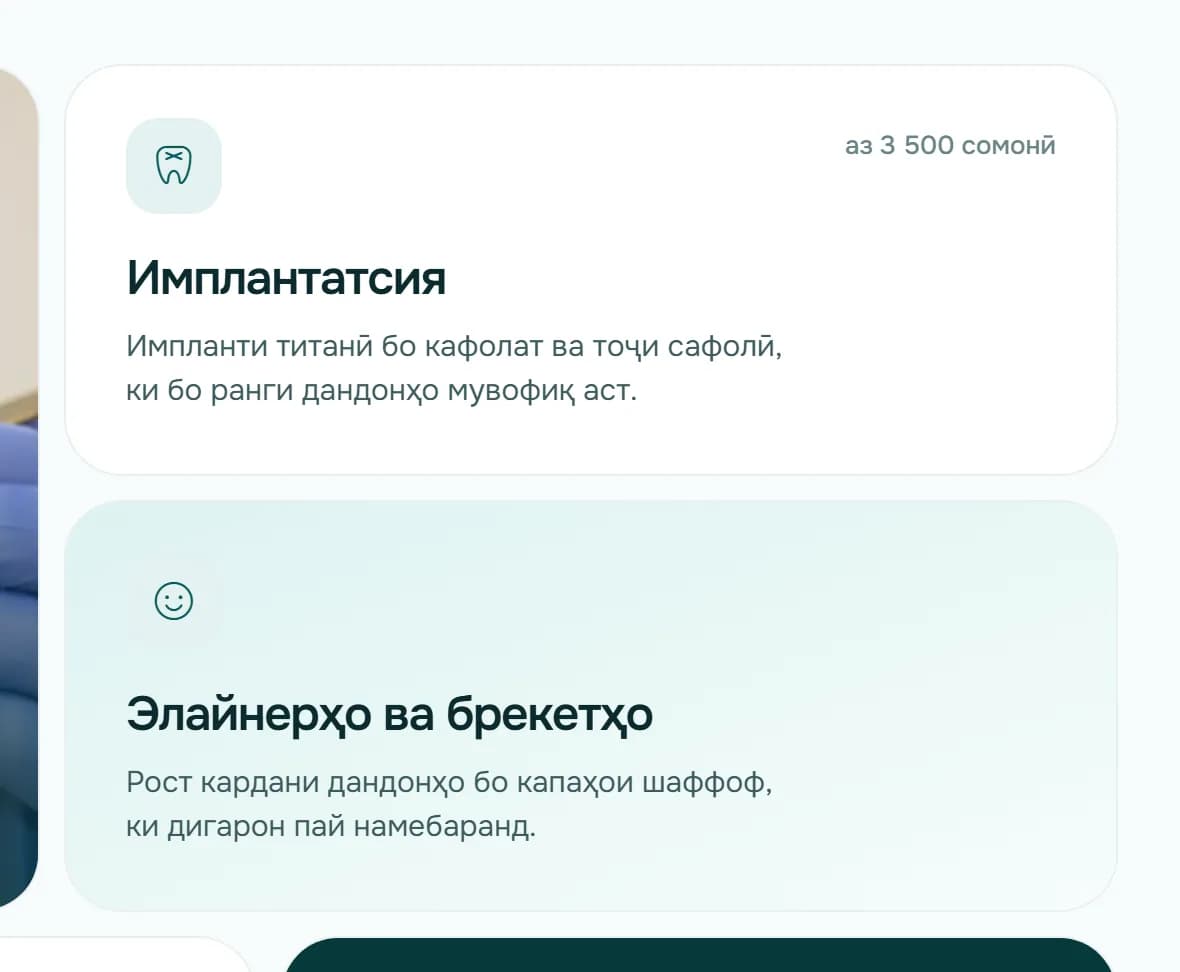
- Six treatment areas with starting prices on the cards.
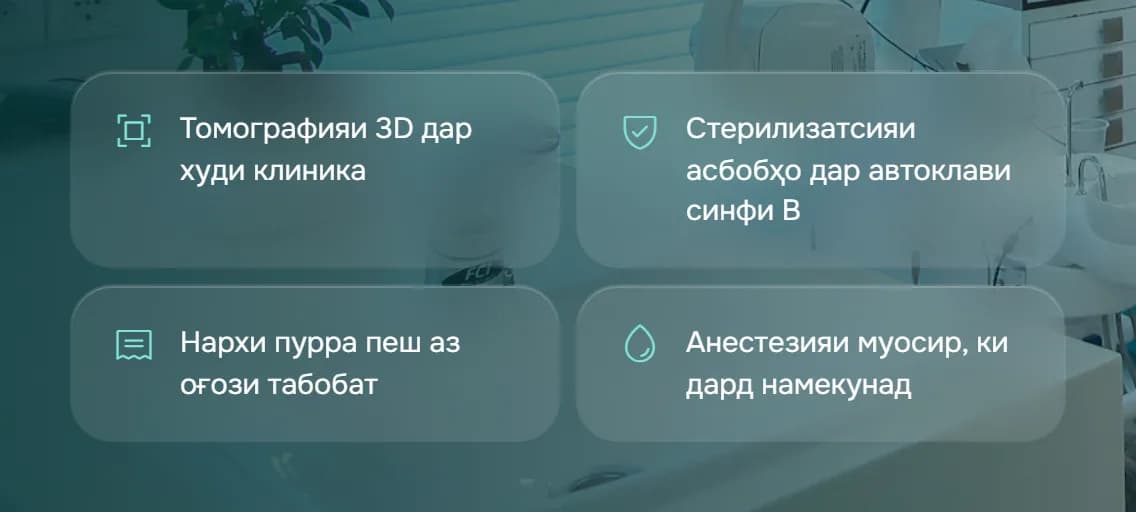
- A clinic section: 3D scans, instrument sterilisation, the full price before treatment starts.
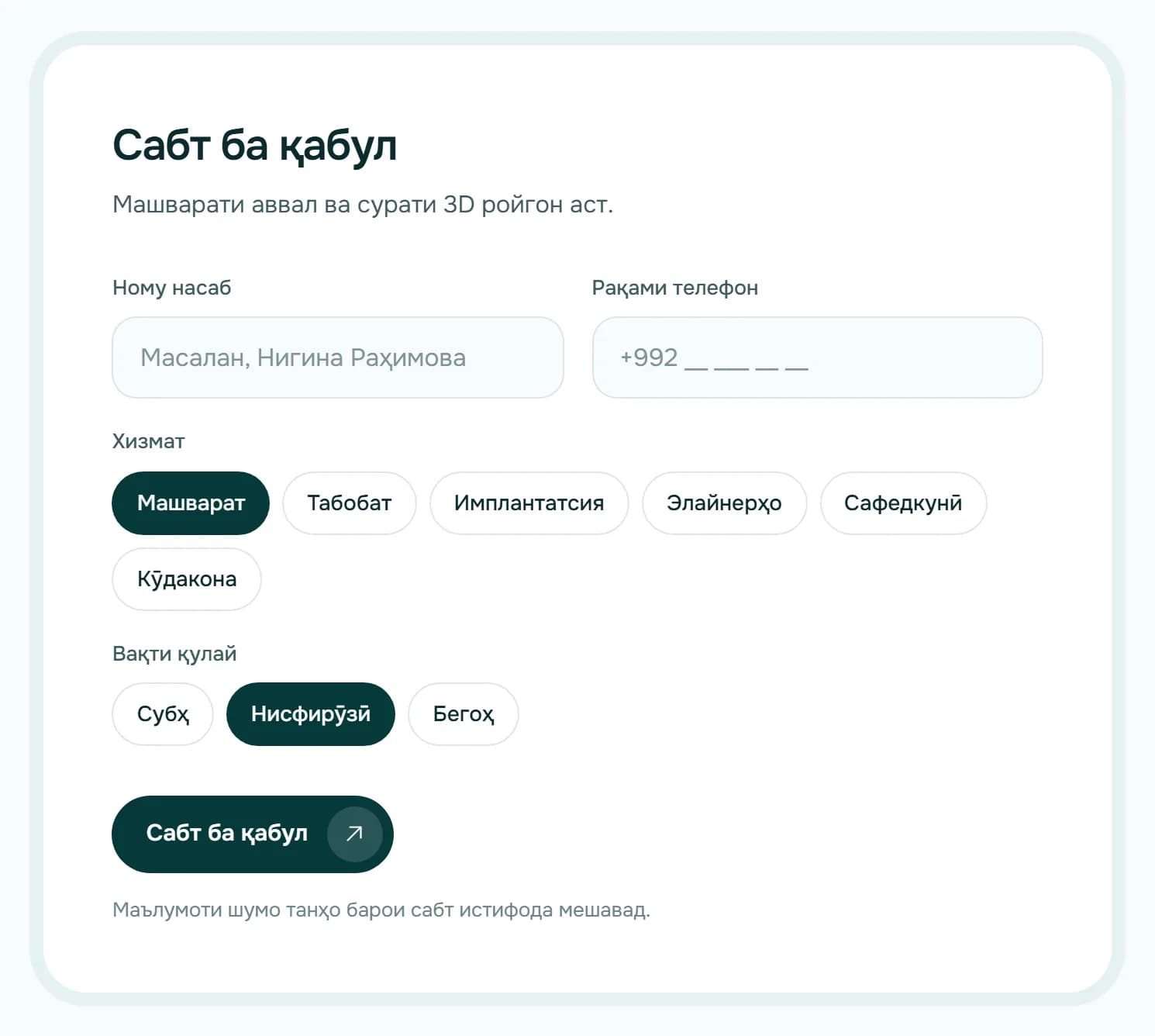
- A short booking form with service and preferred time.
Concept screens
A desktop screen and two mobile screens.
Details
Close-ups of what a full screen hides: forms, cards, prices and captions.
System
Colours and typefaces come from the concept's code, not from a slide.
Palette
- Background#F7FBFB
- Surface#E4F2F1
- Text#0C2B2F
- Accent#0E9E96
- Deep#0B5E5B
Typefaces
- OnestHeadlines and text
Why it works this way
- Answer the fear first: price and painlessness before any offers.
- Mint and deep teal instead of hospital white.
- Booking in a few taps: buttons for choices, typing only for contacts.
How it works
In a live project the screens connect to systems like this. The concept shows the screens, not the integrations.
- 01Booking on the siteThe patient picks a service and a time.
- 02Request in the CRMThe visit lands in the doctor's schedule.
- 03ConfirmationA bot sends the time and address in Telegram.
- 04ReminderA reminder arrives the day before.
What can be connected
In a live project, systems like these connect to the site or interface.
Shall we discuss a similar project?
We can build to the same standard for your business. Tell us what you need.
Discuss a similar project